

Mere information
-
Create directly on screen with our most natural pen experience
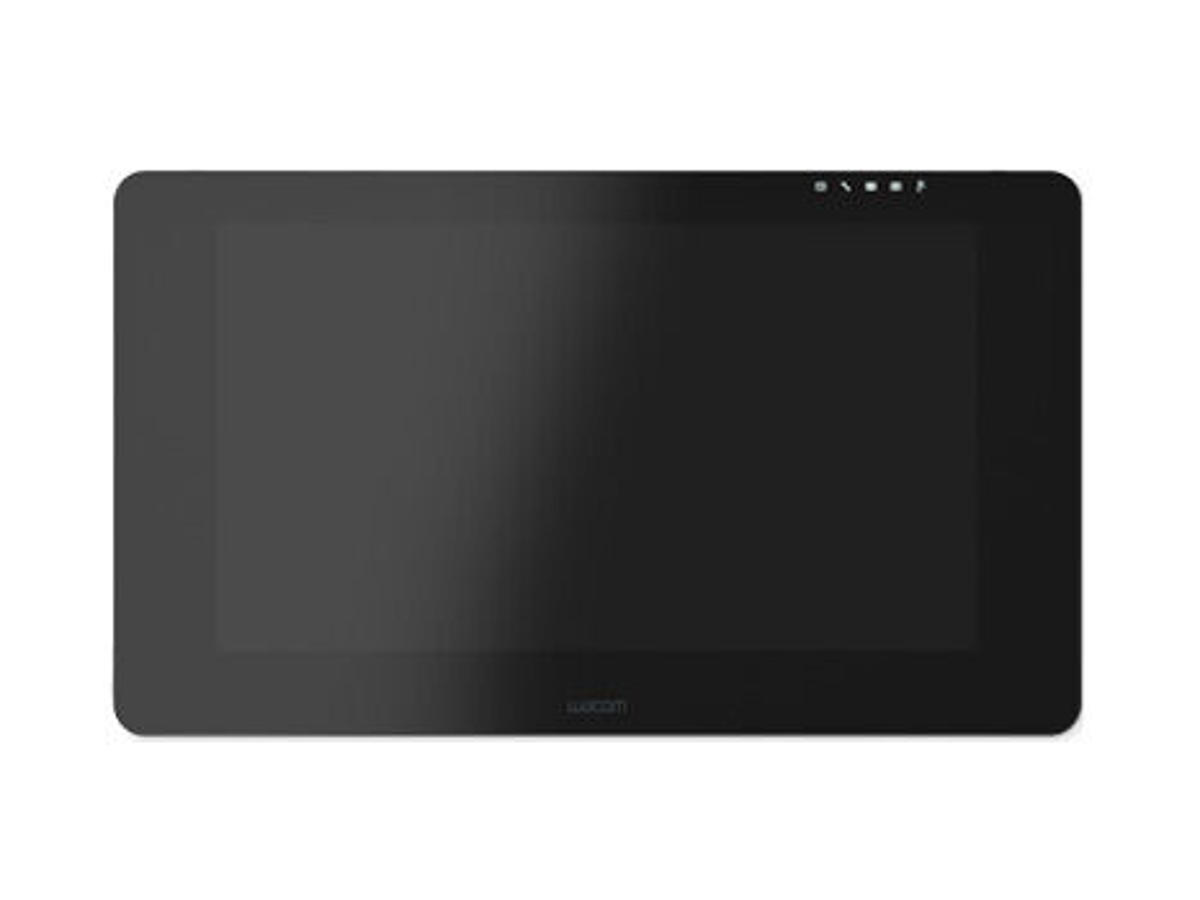
Use the Wacom Cintiq Pro 24 for absolute harmony with your work. Premium 4K screen with world class color performance, and virtually no parallax, enhance every creative breakthrough. The Wacom Pro Pen 2 provides state-of-the-art creative pen technology, meaning every stroke, every move of your hand is followed with unerring accuracy.
Wacom Pro Pen 2: natural and precise
Our state-of-the-art creative pen technology. 8,192 levels of pressure sensitivity and unparalleled tilt recognition means that every stroke, every move of your hand is followed with unerring accuracy.
Ideas jump off the screen
4K resolution (3840 x 2160 px) is packed into a 24” LCD display with superb color accuracy (99% of Adobe® RGB). You can see every tiny detail of your greatest artwork, design or photographic projects.
A display that looks, and feels, totally natural
The etched glass screen provides a distinct, tactile experience as you draw, mimicking the feel of a pen on paper. And with minimized parallax, and a screen strong enough to resist ‘pooling’ and rippling, each mark appears precisely where you expect it, every time.
Designed to increase your productivity
As a creative professional, time’s rarely on your side. That’s why Wacom Cintiq Pro puts productivity solutions right at your fingertips.
Connect your way
Connect to any Mac or PC with a single USB-C cable (included) to a USB-C port for both video and data. DisplayPort or HDMI are also included, which require USB port for data.
Make it match you
The ExpressKey™ Remote puts 17 programmable buttons within easy reach. The on-screen keypad and the radial menus offer further one-touch shortcuts.
A natural interface
Pan, zoom or rotate your work with multi-touch gestures* - as simple as using your smartphone.
*available on Wacom Cintiq Pro 24 touch model
Create in comfort with Wacom Ergo Stand
To create in complete comfort, attach the Wacom Ergo Stand* to your Cintiq Pro 24 or 32. It allows you to raise, tilt and rotate your pen display to easily adjust the viewing angle and find the most natural position for you.
Once attached to Ergo Stand, your Cintiq Pro 24 or 32 becomes a stable surface on which to create – just like drawing at a drafting table. Plus, you can rotate the display as you’d move a sheet of paper to draw at a fresh angle.
*Product availability varies by region starting in September 2018
Customize your Wacom Cintiq Pro
However you like to work, there’s an accessory to make Wacom Cintiq Pro 24 suit you (each sold separately).
Wacom Cintiq Pro Engine
If you need the computing power of fast CPUs and optimized GPUs, combine the creative PC module Cintiq Pro Engine with your Wacom Cintiq Pro 24 or 32. It is designed for 3D modeling, CAD and manipulating high pixel-count images, turning your pen display into a powerful pen computer.
*Cintiq Pro Engine not available in all regions.
Wacom Ergo Stand
To create in complete comfort, attach the Ergo Stand* It allows you to raise, tilt and rotate your pen display to easily adjust the viewing angle and find the most natural position for you.
*Product availability varies by region starting in September 2018
Wacom Color Manager
Wacom Color Manager is designed to give you precision color calibration, better image quality and improved uniformity in one easy-to-use device that calibrates everything in your workflow. -
Tablet Forbindelsesteknologi Ledningsført Opløsning 5080 lpi Arbejdsområde 522 x 294 mm Enhedsgrænseflade USB Tablet indgangstype Kuglepen, Berøring Antal programmerbare taster 17 Pen Pen inkluderet Ja Trådløs pen Ja Trykniveauer 8192 Pen uden batteri Ja Gummigreb Ja Display Skærm diagonal 59,9 cm (23.6") Skærm IPS Billedformat 16:9 Skærmopløsning 3840 x 2160 pixel Kontrastforhold (typisk) 1000:1 Lysstyrke 350 cd/m² Responstid 14 ms Betragtningsvinkel 176° Funktioner Produktfarve Sort Understøttede Windows-operativsystemer Windows 10, Windows 10 Home, Windows 10 Home x64, Windows 10 Pro, Windows 10 Pro x64, Windows 10 x64, Windows 11, Windows 11 Home, Windows 11 Pro, Windows 11 x64, Windows 7, Windows 7 Home Basic, Windows 7 Home Basic x64, Windows 7 Home Premium, Windows 7 Home Premium x64, Windows 7 Professional, Windows 7 Professional x64, Windows 7 Starter, Windows 7 Starter x64, Windows 7 Ultimate, Windows 7 Ultimate x64, Windows 7 x64, Windows 8, Windows 8 Pro, Windows 8 Pro x64, Windows 8 x64, Windows 8.1, Windows 8.1 Pro, Windows 8.1 Pro x64, Windows 8.1 x64 Understøttede Mac-operativsystemer Mac OS X 10.11 El Capitan, Mac OS X 10.12 Sierra, Mac OS X 10.13 High Sierra, Mac OS X 10.14 Mojave, Mac OS X 10.15 Catalina, Mac OS X 10.15.3 Catalina, Mac OS X 11.0 Big Sur, Mac OS X 12.0 Monterey, Mac OS X 13.0 Ventura, Mac OS X 14.0 Sonoma, Mac OS X 15.0 Sequoia Strømstyring Opladningsport til USB Type-C Ja AC-adapter inkluderet Ja Indgangsspænding 100 - 240 V Vekselstrømsindgangsfrekvens 50 - 60 Hz Strømforbrug (typisk) 100 W Batteriteknologi Lithium-Ion (Li-Ion) Energieffektivitetsklasse (SDR) G Energiforbrug (SDR) pr. 1000 timer 31 kWh Energieffektivitetsskala A til G Vægt & størrelser Bredde 677 mm Dybde 394 mm Højde 47 mm Tablet vægt 7,2 kg Emballage indhold Kabler inkluderet DisplayPort, DisplayPort til Mini DisplayPort, HDMI, Micro-USB, USB, USB Type-C Mus Mus inkluderet Ingen Godkendelser Certificering VCCI Class B, FCC Part 15 Subpart B (class B) and C, CE, IC ICES-003 and 210, RCM, KCC, BSMI, C-tick, CB, CCC, GOST-R, Bæredygtighed Compliance-certifikater RoHS Logistik data Harmoniseret systemkode (HS) 84713000